
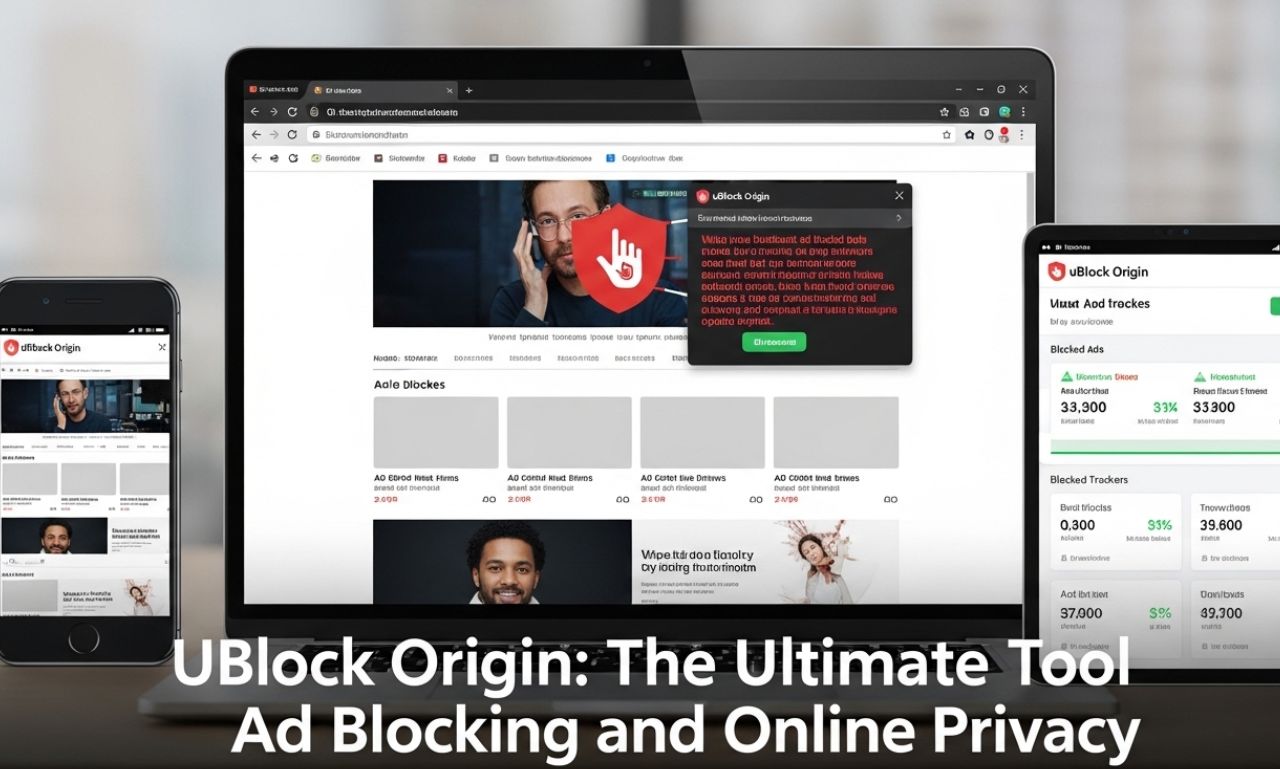
In the age of digital advertising, pop-ups, trackers, and intrusive content can make browsing the internet frustrating and unsafe. uBlock Origin is one of the most popular and effective browser extensions designed to block ads, protect privacy, and improve web performance. Lightweight, free, and open-source, it has become an essential tool for millions of internet users worldwide.
This article explores uBlock Origin, its features, benefits, installation process, and best practices for safe and efficient browsing.
What Is uBlock Origin?
uBlock Origin is a browser extension that blocks ads, trackers, and malicious content while improving page load times. Unlike many ad blockers that consume significant system resources, uBlock Origin is known for its lightweight design and efficiency.
Developed by Raymond Hill in 2014, it is compatible with multiple browsers, including Google Chrome, Mozilla Firefox, Microsoft Edge, and Opera. uBlock Origin is also open-source, allowing anyone to inspect its code and contribute to its development.
Key Features of uBlock Origin
1. Efficient Ad Blocking
uBlock Origin blocks a wide variety of advertisements, including:
-
Pop-ups and banners
-
Video ads on streaming platforms
-
Social media sponsored content
-
Malicious ads containing malware
Its default filters block thousands of known ad sources, creating a cleaner and safer browsing experience.
2. Privacy Protection
uBlock Origin protects users from trackers and analytics scripts that collect personal information. By preventing tracking cookies and scripts from loading, it helps maintain online privacy.
3. Low Resource Usage
Unlike other ad blockers that may slow down browsers, uBlock Origin is optimized for low CPU and memory usage. Users can block content efficiently without affecting browser performance.
4. Custom Filters and Rules
Advanced users can add custom filters, block specific elements, or whitelist certain sites. This flexibility allows for a personalized browsing experience.
5. Open Source and Transparent
Being open-source means the community can verify its security and functionality. Userscan trust that the software does not collect data or compromise privacy.
Benefits of Using uBlock Origin
Faster Browsing Experience
By blocking ads and unnecessary scripts, uBlock Origin reduces page load times and improves overall browser performance.
Enhanced Security
Blocking malicious ads and trackers decreases the risk of malware infections, phishing attempts, and unauthorized data collection.
Reduced Data Usage
Ads, videos, and trackers consume bandwidth. By blocking them, uBlock Origin reduces data usage, which is especially beneficial for users with limited internet plans.
Increased Focus
Without intrusive ads and pop-ups, users can browse more efficiently, read articles without distractions, and enjoy a cleaner web interface.
How to Install uBlock Origin
Installing uBlock Origin is simple and can be done in a few steps:
-
Visit the Browser Extension Store
-
For Chrome: Chrome Web Store
-
For Firefox: Firefox Add-ons
-
For Edge: Microsoft Edge Add-ons
-
-
Search for “uBlock Origin”
-
Ensure you select the official extension by Raymond Hill.
-
-
Add to Browser
-
Click “Add to [Browser]” and confirm the installation.
-
-
Configure Settings (Optional)
-
Customize filters, enable or disable scripts, and whitelist trusted sites.
-
Once installed, uBlock Origin works automatically, blocking ads and trackers on websites you visit.
Using uBlock Origin Effectively
1. Enable Recommended Filters
uBlock Origin comes with preloaded filter lists. Ensure that standard lists like EasyList and EasyPrivacy are enabled for maximum protection.
2. Customize Filters
Advanced users can create custom rules to block specific elements, allowing precise control over what content is displayed.
3. Whitelist Trusted Sites
Some websites rely on ad revenue to function. Whitelist trusted sites to support creators while maintaining a cleaner web experience elsewhere.
4. Monitor Performance
Use uBlock Origin’s dashboard to track blocked requests, view filters in action, and optimize settings for your browsing needs.
uBlock Origin vs Other Ad Blockers
Compared to other popular ad blockers like AdBlock, AdGuard, or Ghostery, uBlock Origin stands out for:
-
Low CPU and memory usage
-
Comprehensive preloaded filters
-
Customizable rules and user scripts
-
Open-source transparency
While other extensions may offer additional features like VPNs or parental controls, uBlock Origin’s focus on lightweight ad and tracker blocking makes it highly efficient and reliable.
Best Practices for Safe Browsing with uBlock Origin
-
Regularly Update Filters – Ensure ad-blocking rules are up-to-date to block new threats.
-
Use in Combination with Privacy Tools – Consider pairing uBlock Origin with privacy-focused browsers, VPNs, or HTTPS-enforcing extensions.
-
Avoid Suspicious Websites – Even with ad blockers, malicious websites can pose risks. Stay cautious.
-
Whitelist Only Trusted Sources – Support sites you value, but avoid over-whitelisting to maintain safety.
Conclusion
uBlock Origin is a powerful, free, and open-source tool that enhances online browsing by blocking ads, trackers, and malicious content. Its low resource usage, customization options, and privacy protections make it a preferred choice for millions of users worldwide.
By installing and properly configuring uBlock Origin, users can enjoy faster, safer, and more focused browsing experiences. Combining it with responsible online habits ensures maximum protection against online threats while supporting a cleaner, more user-friendly internet.