
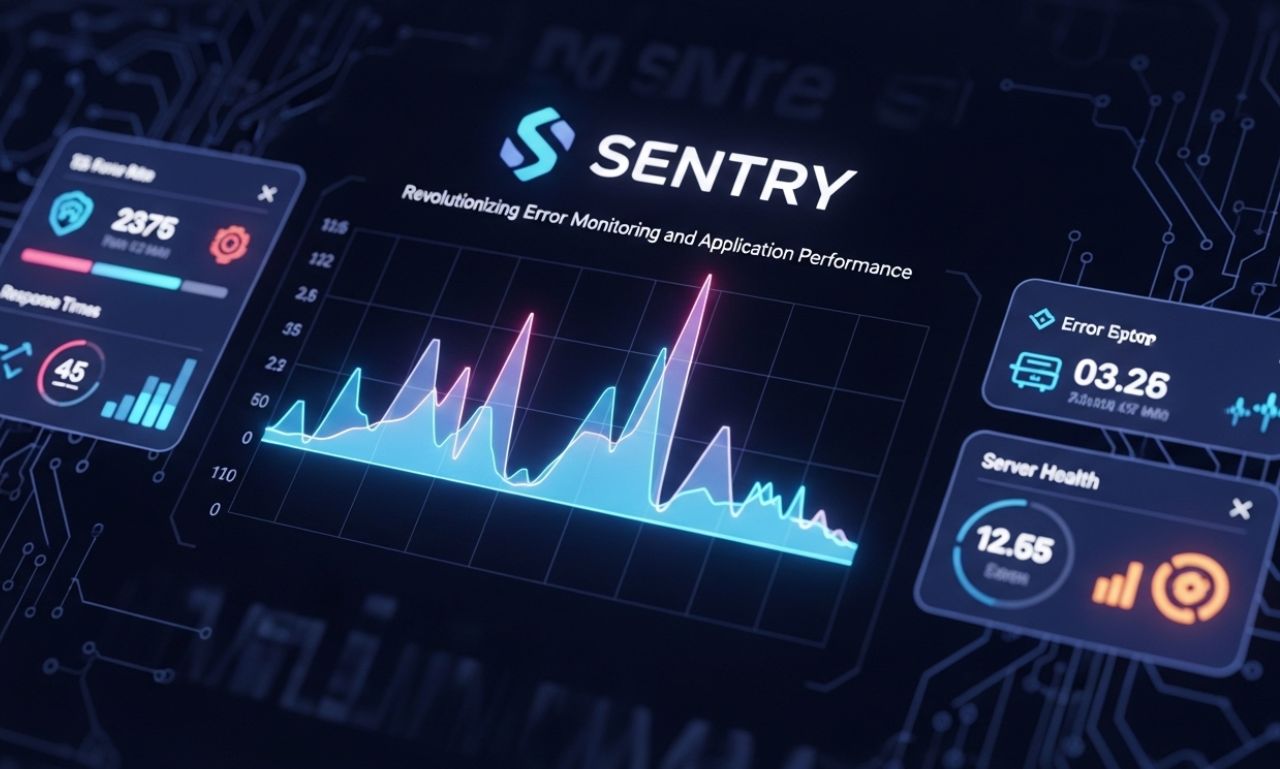
In today’s fast-paced software development environment, maintaining high-quality applications is crucial. Developers face the constant challenge of tracking bugs, errors, and performance issues across multiple platforms. This is where Sentry comes in—a robust error tracking and performance monitoring tool designed to help developers identify, diagnose, and resolve issues quickly.
This article explores what Sentry is, how it works, its features, benefits, and best practices for optimizing application performance.
What Is Sentry?
Sentry is an open-source error monitoring platform that provides real-time insights into application issues. It integrates seamlessly with web, mobile, and backend applications, allowing developers to monitor and fix errors proactively. By tracking exceptions, crashes, and performance bottlenecks, Sentry helps teams maintain reliable, high-performing software.
Founded in 2008, Sentry has grown into a widely adopted tool for software engineering teams worldwide, supporting languages like Python, JavaScript, Java, C#, and more.
Key Features of Sentry
Sentry offers a comprehensive set of features for developers:
1. Real-Time Error Tracking
Sentry monitors applications continuously and alerts developers to errors as they occur. This reduces the time between an issue happening and being addressed.
2. Detailed Error Reports
Each error comes with a detailed report, including:
-
Stack traces
-
Affected users
-
Error context
-
Breadcrumbs showing events leading to the error
This level of detail accelerates debugging and improves issue resolution.
3. Performance Monitoring
Sentry not only tracks errors but also monitors application performance. It measures response times, transaction latency, and throughput, helping teams identify slow or inefficient code.
4. Multi-Platform Support
Sentry supports multiple platforms, including:
-
Web applications (JavaScript, React, Angular, Vue)
-
Mobile apps (iOS, Android, React Native)
-
Backend services (Python, Java, Node.js, .NET)
This allows teams to monitor their entire tech stack from a single platform.
5. Integrations
Sentry integrates with popular developer tools and services, including GitHub, GitLab, Slack, Jira, and VS Code. This facilitates seamless workflows and better collaboration between development and operations teams.
Benefits of Using Sentry
Faster Issue Resolution
Real-time alerts and detailed reports help developers quickly identify root causes, reducing downtime and improving user satisfaction.
Improved Application Performance
Performance monitoring tools enable teams to detect bottlenecks and optimize slow code paths, leading to faster, more reliable applications.
Enhanced Collaboration
Sentry’s integrations with communication and project management tools streamline team collaboration, ensuring that everyone stays informed about critical issues.
Proactive Monitoring
By providing insights before issues escalate, Sentry allows developers to prevent potential failures and maintain a positive user experience.
How Sentry Works
Sentry operates by capturing error events and sending them to a centralized dashboard. Here’s a simplified workflow:
-
SDK Integration – Developers integrate the Sentry SDK into their application.
-
Event Capture – When an error occurs, Sentry captures the event, stack trace, and contextual information.
-
Centralized Dashboard – Events are sent to Sentry’s dashboard, where they are aggregated and categorized.
-
Alerting and Resolution – Developers receive notifications through email, Slack, or other channels and can analyze errors for resolution.
This streamlined workflow makes error monitoring efficient and actionable.
Best Practices for Using Sentry
To maximize the benefits of Sentry, follow these best practices:
1. Proper SDK Integration
Ensure the SDK is correctly configured for your application environment, including production, staging, and development environments.
2. Customize Alerts
Set up meaningful alerts based on error severity and frequency. Avoid notification fatigue by prioritizing critical issues.
3. Utilize Performance Monitoring
Leverage Sentry’s performance monitoring features to detect slow transactions, high-latency operations, and other performance bottlenecks.
4. Collaborate Through Integrations
Integrate Sentry with project management and communication tools to keep the team informed and improve workflow efficiency.
5. Analyze Trends
Use Sentry’s analytics to identify recurring issues, track resolution times, and continuously improve code quality.
Sentry vs. Competitors
Sentry is not the only monitoring tool on the market. It competes with platforms like New Relic, Datadog, and Bugsnag. Here’s why many teams prefer Sentry:
-
Open Source – The core platform is free and open-source, allowing customization.
-
Ease of Integration – Supports multiple platforms and programming languages.
-
Detailed Error Context – Provides richer insights than many alternatives.
-
Community Support – Strong developer community contributes plugins and enhancements.
While competitors offer robust performance analytics, Sentry’s combination of error tracking and performance monitoring makes it a favorite among developers.
Conclusion
Sen try has transformed how development teams monitor and maintain applications. By providing real-time error tracking, detailed reporting, performance monitoring, and seamless integrations, Sent ry helps teams build reliable, high-performing software.
Whether you’re a small startup or a large enterprise, adopting Se ntry ensures faster issue resolution, improved collaboration, and enhanced user experience. In a world where application downtime can be costly, tools like Se ntry are indispensable for modern software development.