
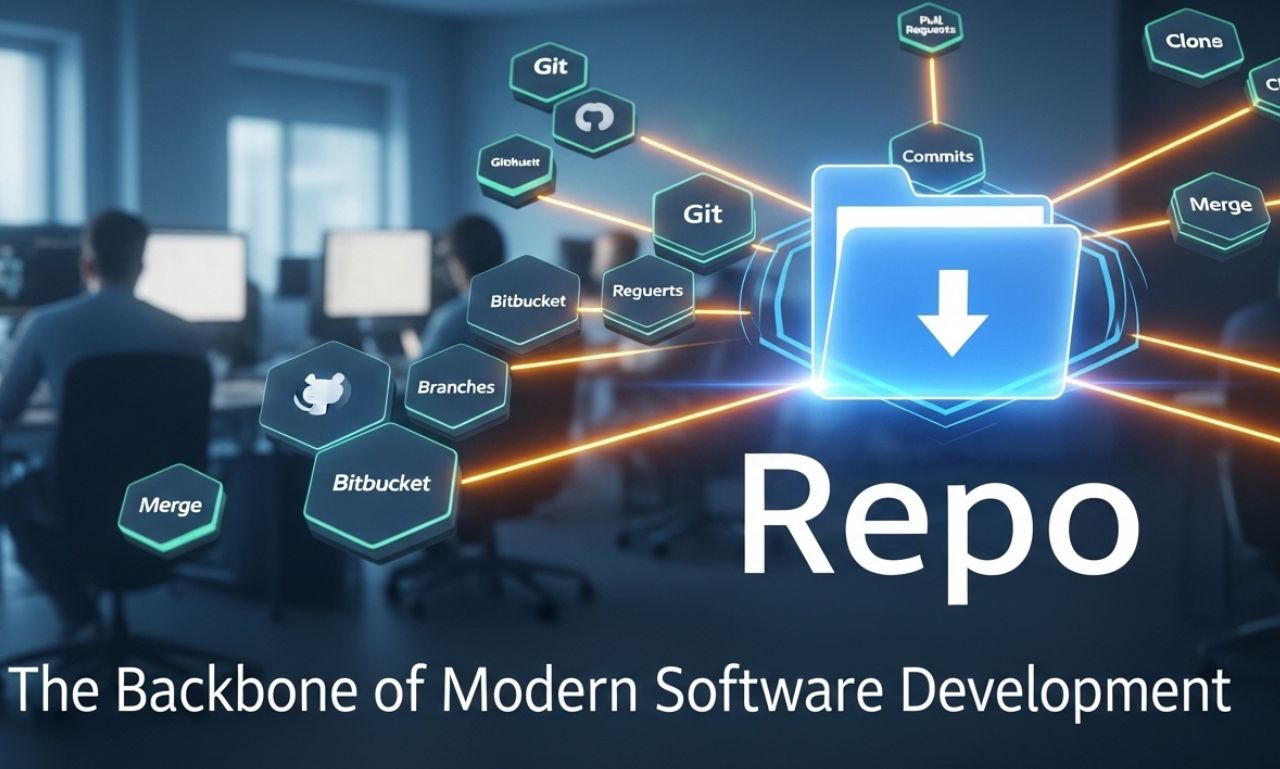
In the world of software development, the term repo is frequently used by developers and tech enthusiasts alike. A repo, short for repository, is a storage location where code, files, and version history are kept for a project. Repositories allow developers to manage, share, and track changes in their projects efficiently. Whether it’s a personal coding project or a large-scale enterprise application, a repo plays a crucial role in maintaining organization, collaboration, and control over software development processes. Understanding what a repo is and how to use it effectively is essential for anyone involved in coding or software engineering.
The Importance of a Repo in Development
A repo is more than just a folder containing files. It is a structured system that keeps track of every modification in a project. Using a repo offers several advantages:
-
Version Control: Repositories track every change made to the codebase, allowing developers to revert to previous versions if needed.
-
Collaboration: Multiple developers can work on the same project simultaneously without overwriting each other’s work.
-
Backup: A repo serves as a backup system, ensuring code is safe even if local files are lost.
-
Organization: Code, documentation, and resources are structured in a centralized location, making project management more efficient.
By leveraging a repo, teams can reduce errors, maintain consistency, and accelerate development cycles.
Types of Repos
1. Local Repository
A local repository exists on a developer’s own computer. It allows the developer to make changes, test code, and commit updates without affecting other collaborators. Local repos are the starting point before code is pushed to a shared environment.
2. Remote Repository
Remote repositories are hosted on servers or cloud platforms and are accessible to multiple developers. Popular platforms like GitHub, GitLab, and Bitbucket provide remote repo services that facilitate collaboration and version control. Developers can push changes to a remote repo and pull updates made by others, ensuring that the codebase remains synchronized.
3. Bare Repository
A bare repo is a repository without a working directory. It is often used on servers to serve as the central hub where developers push and pull code changes. Bare repos are ideal for collaboration because they store only the version history and not editable files directly.
Best Practices for Managing a Repo
Managing a repo effectively is crucial for smooth development. Here are some essential practices:
-
Commit Often: Frequent commits make it easier to track changes and revert mistakes if necessary.
-
Write Meaningful Commit Messages: Clear messages describe the changes, helping others understand the purpose of a commit.
-
Branch Strategically: Use branches to develop new features or fix bugs without disrupting the main codebase.
-
Merge Carefully: Ensure code is tested before merging branches to avoid introducing errors.
-
Document Thoroughly: Include README files, code comments, and documentation to guide collaborators and future maintainers.
Following these practices ensures that a repo remains organized, collaborative, and secure.
Popular Repo Platforms
Several platforms make managing repos easier:
-
GitHub: One of the most widely used repo platforms, GitHub provides tools for version control, collaboration, and project management.
-
GitLab: Similar to GitHub, GitLab offers integrated CI/CD pipelines for automating software delivery.
-
Bitbucket: A repo platform often preferred by enterprises, Bitbucket supports both Git and Mercurial repositories.
-
SourceForge: A long-standing platform that hosts open-source software projects and provides repository management tools.
Choosing the right platform depends on project requirements, team size, and workflow preferences.
Repo in Continuous Integration and Deployment
Repos play a key role in modern development workflows such as Continuous Integration (CI) and Continuous Deployment (CD). Developers commit code to a repo, which triggers automated testing and deployment pipelines. This ensures that changes are integrated quickly and reliably into production, minimizing downtime and improving software quality. By connecting a repo to CI/CD pipelines, teams can accelerate development cycles and maintain high-quality code standards.
Learning to Use a Repo
For beginners, using a re po may seem complex, but starting with basic Git commands can simplify the process. Learning to clone, commit, push, pull, and merge is foundational. Many online tutorials, coding bootcamps, and documentation on platforms like GitHub provide structured guidance. Building small projects and managing them through a rep o helps reinforce these skills and prepares developers for larger collaborative projects.
Conclusion
A re po is a fundamental tool in modern software development. It allows developers to track changes, collaborate efficiently, and maintain organized project files. By understanding the types of re pos, following best practices, and utilizing popular platforms, developers can ensure their projects are secure, maintainable, and scalable. Whether you are just starting in coding or managing complex software systems, mastering re po management is an essential step toward professional development success.