
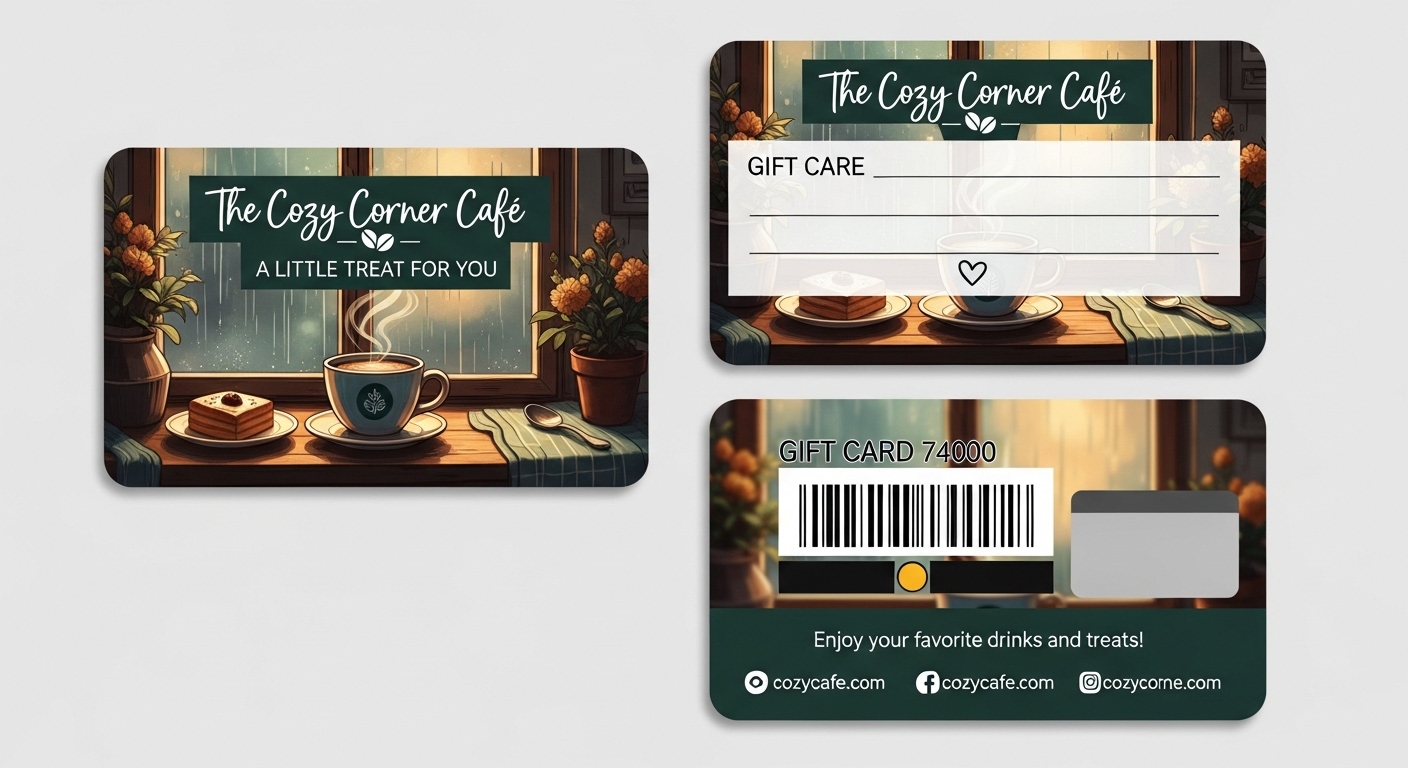
There’s something surprisingly powerful about a well-designed gift certificate. It’s not just a piece of paper; it’s anticipation, personality, and emotion wrapped into a visual promise. Whether you run a small business, manage a side hustle, or just want to give a thoughtful present that feels intentional, presentation matters more than the price tag.
The challenge? Most people think they need design experience to make something look professional. In reality, modern tools have removed that barrier entirely. Today, you can build polished visuals in minutes and, yes, even a beautiful gift card design without touching complicated software.
That’s where Adobe Express changes the game. It turns what used to be a slow creative process into something fast, intuitive, and honestly… a little addictive.
Why Gift Certificates Still Work (Even in a Digital World)
We live in the era of instant transfers and one-click purchases. Yet gift certificates keep growing in popularity. Why?
Because they balance flexibility and thoughtfulness.
- Cash feels impersonal
- A specific item risks being wrong
- A gift certificate says: I care, but I trust your choice
For businesses, they’re even more valuable:
- Increase future visits
- Encourage higher spending than the certificate value
- Bring back inactive customers
- Generate revenue upfront
In other words, they’re marketing and customer experience combined.
Step 1: Start with a Template (Don’t Start from Scratch)
The biggest time-waster in design is staring at a blank canvas.
Instead, open Adobe Express and choose a gift certificate template. The templates are already structured using proven layout principles: balance, hierarchy, and spacing, so your design starts at 80% complete.
How to pick the right one
Match the style to the experience you’re offering:
| Business Type | Best Style Direction |
| Beauty / Spa | Minimal, soft tones |
| Fitness / Coaching | Bold, energetic |
| Café / Restaurant | Warm and cozy |
| Creative services | Artistic & textured |
| Kids / Family | Playful & colorful |
Templates aren’t limitations; they’re shortcuts to professional composition.
Step 2: Personalize It (This Is Where Emotion Happens)
Now comes the important part: making it yours.
Replace generic text with real human language. Instead of:
“Voucher for service”
Try:
“Your moment to relax is waiting.”
Small wording changes dramatically increase perceived value.
Add personal elements
- Customer name (huge psychological impact)
- Expiry date
- Unique code
- Brand tagline
- Signature or handwritten font
People remember personalization more than the gift itself.
Step 3: Make It Look Premium (Even If It’s Free)
Professional design isn’t about complexity, it’s about restraint.
Follow this simple rule: one focus, two fonts, three colors max.
Colors
Use brand colors, but soften them:
- Reduce saturation slightly
- Add neutral backgrounds
- Avoid harsh contrasts
Fonts
Pair one expressive font + one readable font:
- Title font = personality
- Body font = clarity
Images
Instead of stock overload, choose one strong visual:
- A texture
- A subtle pattern
- A single lifestyle photo
Minimalism signals confidence, and confidence feels premium.
Step 4: Add Practical Details (So It Actually Gets Used)
A gift certificate only works if redemption is effortless.
Include:
- Clear instructions
- Contact or booking method
- Validity period
- Terms (short and friendly)
Avoid legal language walls. People don’t read them; they avoid them.
Instead of:
“Subject to availability restrictions…”
Try:
“Just message us to book, we’ll handle the rest.”
Same meaning, better experience.
Step 5: Export for Both Print and Digital
The beauty of Adobe Express is its flexibility.
You can instantly export:
- Print-ready PDF (for physical gifting)
- Mobile-friendly image (for messaging)
- Social media version (for promotion)
Pro tip:
Offer both formats. Many customers buy digitally but want to print at home.
Smart Ideas to Increase Usage (and Sales)
A certificate sitting in a drawer helps nobody. Design influences redemption rate.
Psychology tricks that work
- Add a suggested service (“Most people choose the Relax Package”)
- Use warm language (“Reserved just for you”)
- Include subtle value anchoring (“Worth $60 experience”)
People follow gentle guidance, not pressure.
Final Thoughts
Design used to be a skill. Now it’s a decision.
The difference between a forgettable voucher and a memorable one isn’t expensive graphics; it’s clarity, warmth, and presentation. With Adobe Express, you remove the technical barrier and focus on what actually matters: making someone feel something before they even use the gift.
And that’s the real goal of a gift certificate.
Not just giving a service but creating anticipation.
Once you approach it that way, creating one in minutes doesn’t feel rushed.
It feels smart.